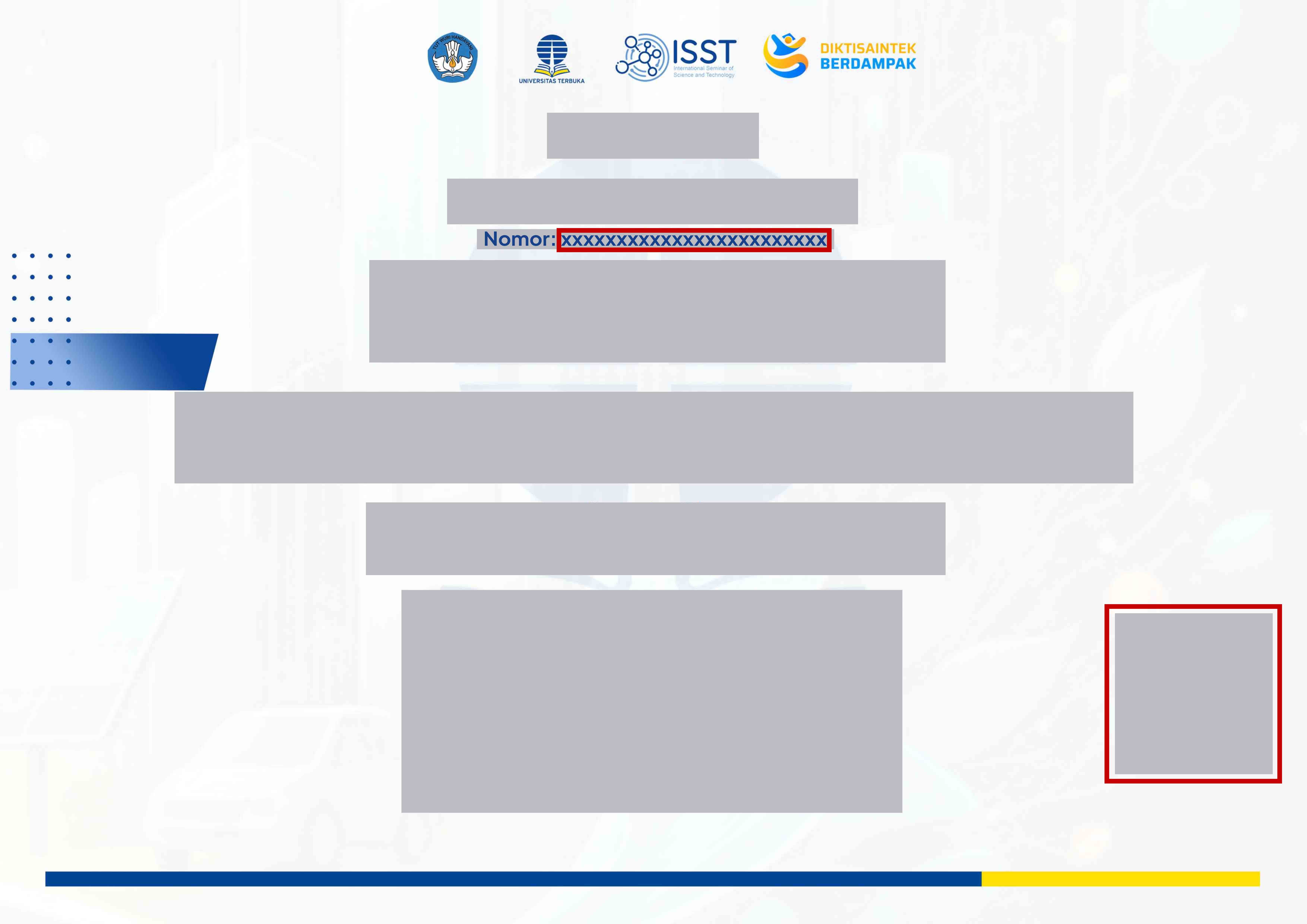
Quick & Easy Verification Guide
1. Enter the Number or Scan the QR Code
Type the unique number printed on the certificate document, or click the scan icon to scan the QR code. The Certificate Number and QR Code locations are marked in red on the guide image.
2. Click the Check Button
Press the Check button to start validating your certificate.
3. View the Result & Download
If valid, the status and limited details will be shown. Full details and downloads are available through the official link or certificate QR code.